Supplier Lead Time Tracker
A free Excel tool for CPG founders who reorder off a lead time that went stale months ago — log each supplier’s lead time, date it, and the sheet back-calculates the exact Order-By date you need to hit your next production run.
TrackerWhat this does
Founders carry supplier lead times in their head or scattered across old emails. When a packaging supplier quietly moves from six weeks to ten, nobody updates the planning assumption — so the reorder that felt ‘on time’ lands a month late, the production window is missed, and a retailer gets a short shipment for a delay that was predictable a quarter earlier.
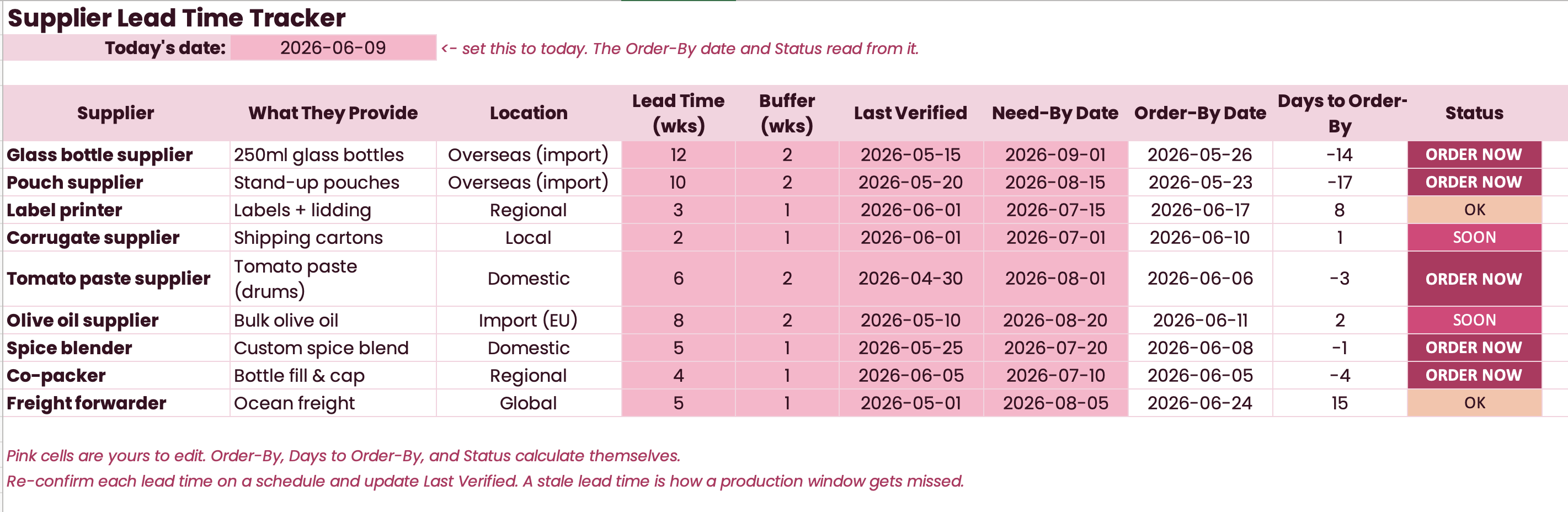
This file keeps every supplier’s lead time in one place, dates it, and tells you the exact day to order by to hit the date you need stock in hand. For each supplier you log what they provide, where they ship from, the lead time in weeks, a buffer, and the date you last confirmed that lead time. Enter the Need-By date and the sheet counts backward to set the Order-By date, then flags every line ORDER NOW, SOON, or OK against today.
The one idea it exposes: a lead time is not a fact you learn once — it drifts. The number you reorder off went stale months ago, and nobody notices until the stock does not show up. Writing it down, dating it, and re-checking it on a schedule is what keeps every downstream number — reorder point, cash-flow plan, production calendar — honest.
Who this is for
CPG founders running roughly five to twenty suppliers across packaging, ingredients, co-packing, and freight, with no planner or procurement person tracking lead times for them. Anyone who has missed a production window because a supplier’s lead time moved and the planning assumption did not. If you know roughly what each lead time is but it lives in your head or in old emails, this turns the guess into a dated number and an Order-By date you can plan against.
Inside the file
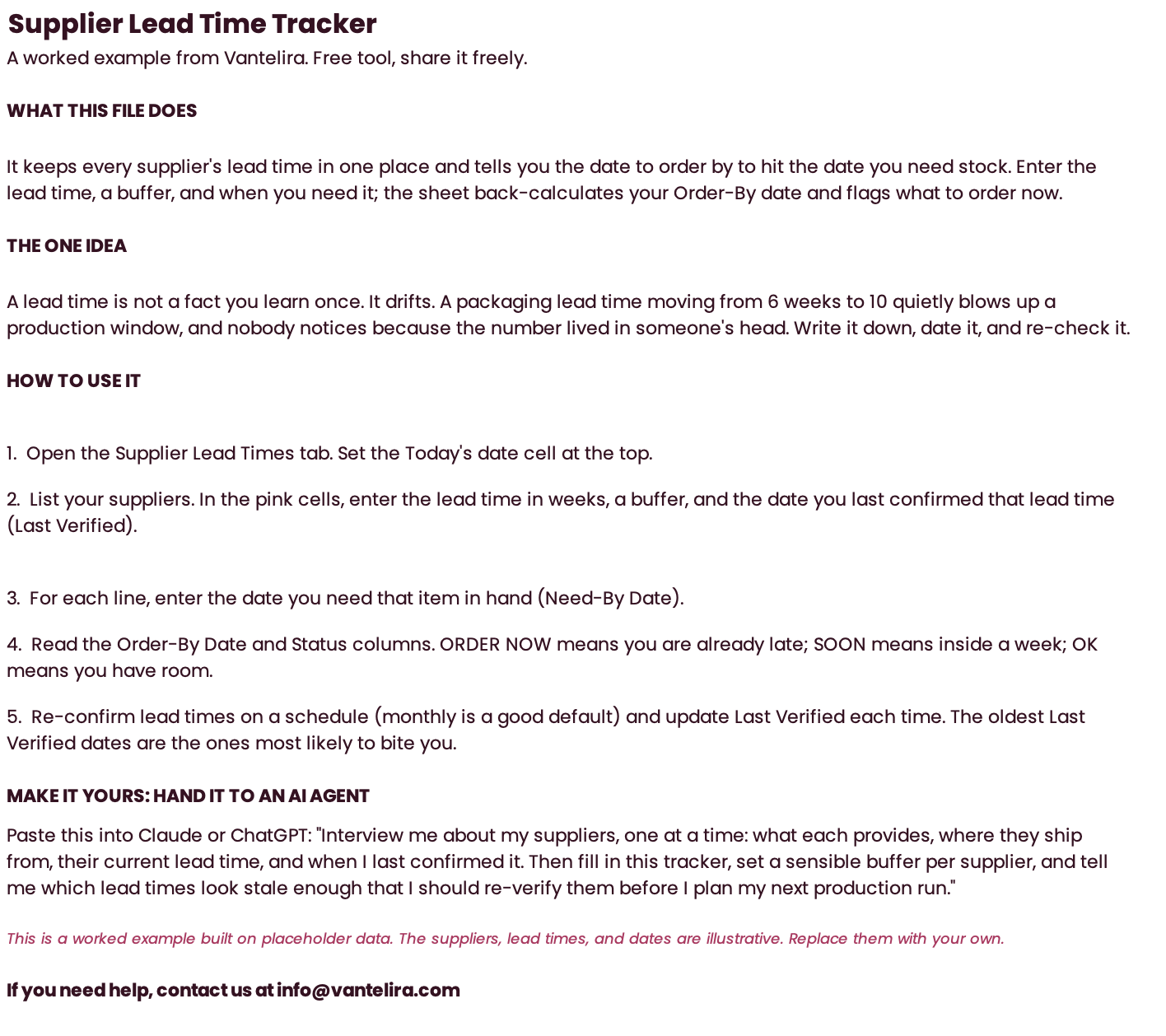
- Read Me tab — the user manual that travels with the file — what it does, the one idea (a lead time drifts, so date it), a step-by-step how-to, the pink-cell color key, and an AI-agent handoff prompt
- Supplier Lead Times tab — one master list, one row per supplier: log what they provide, location, Lead Time (wks), Buffer (wks), and Last Verified date, then enter the Need-By date. The sheet computes Order-By = Need-By minus (Lead + Buffer), Days to Order-By against a Today cell, and a Status that reads ORDER NOW / SOON / OK in brand colors
Preview
How to use it
- Open the Supplier Lead Times tab and set the Today’s date cell at the top — the Order-By date and the status read from it, so it has to be current.
- List your suppliers across packaging, ingredients, co-packing, and freight. In the pink cells, enter the lead time in weeks, a buffer, and the date you last confirmed that lead time (Last Verified).
- Enter the Need-By date for each line: the day you need that item in hand for your next production run.
- Read the Order-By Date and Status columns. ORDER NOW means you are already late; SOON means you are inside a week of the deadline; OK means you have room. Work the ORDER NOW lines first, top to bottom.
- Re-confirm your lead times on a schedule — monthly is a good default — and update Last Verified each time. The oldest Last Verified dates are the ones most likely to bite you, so start your re-checks there.
Grab the file.
No email. No signup. Direct download.
Download the Supplier Lead Time Tracker (.xlsx, 13KB) ↓